
Support
1. Care & Use Guides for TV2 and ThermaViewer-1 (PDFs)
2. PC software for interfacing with TV2 and ThermaViewer 1 monitors.
3. Video on installing the TV2 Master Thermometer
4. Quick start guides for installing the TV2
6. Quality documents (IQ, OQ) for clean room monitor
7. Alarm behavior of the TV2 Master Thermometer
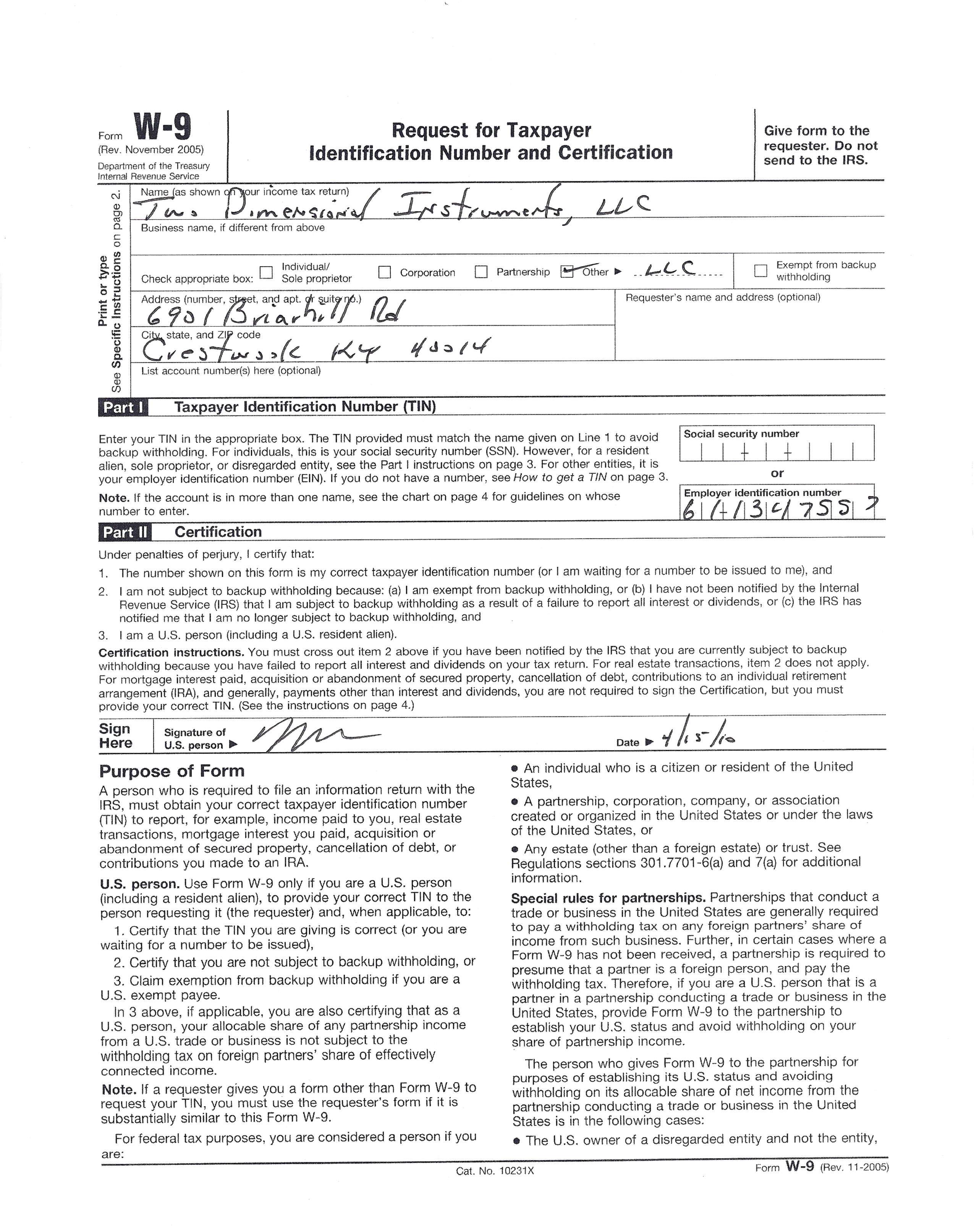
9. W-9 form (Use print preview and size to 30% before printing)
10. TV2 drivers.
11. Instructions for setting up email alerts in TView
12. Accessing the TV2 over the www.
13. Documents of Compliance for CE mark and AUS-NZ
15. Installing wired or wireless sensors for the TV2
18. Prolific drivers for DB9 to usb converter (Only needed for very old versions of TView. Do not work with windows 10)
19. ThermaViewer drivers for Tview communications
20. Users and installation guide for APD-10 autodialer.
21. Users and installation guide for AP-12 autodialer.
22. Technical Support for auto dialer 858 413-0149 (ask for technical support)
23. Warranty information: All 2di products carry a 1-year replacement warranty. An extended warranty is also available.
25. TP-Link wireless access point for connecting TV2 to a wireless netowrk
26.BACnet Implementation on TV2
Support materials for the TV1 (which is no longer being manufactured).