-
 QuickCheck
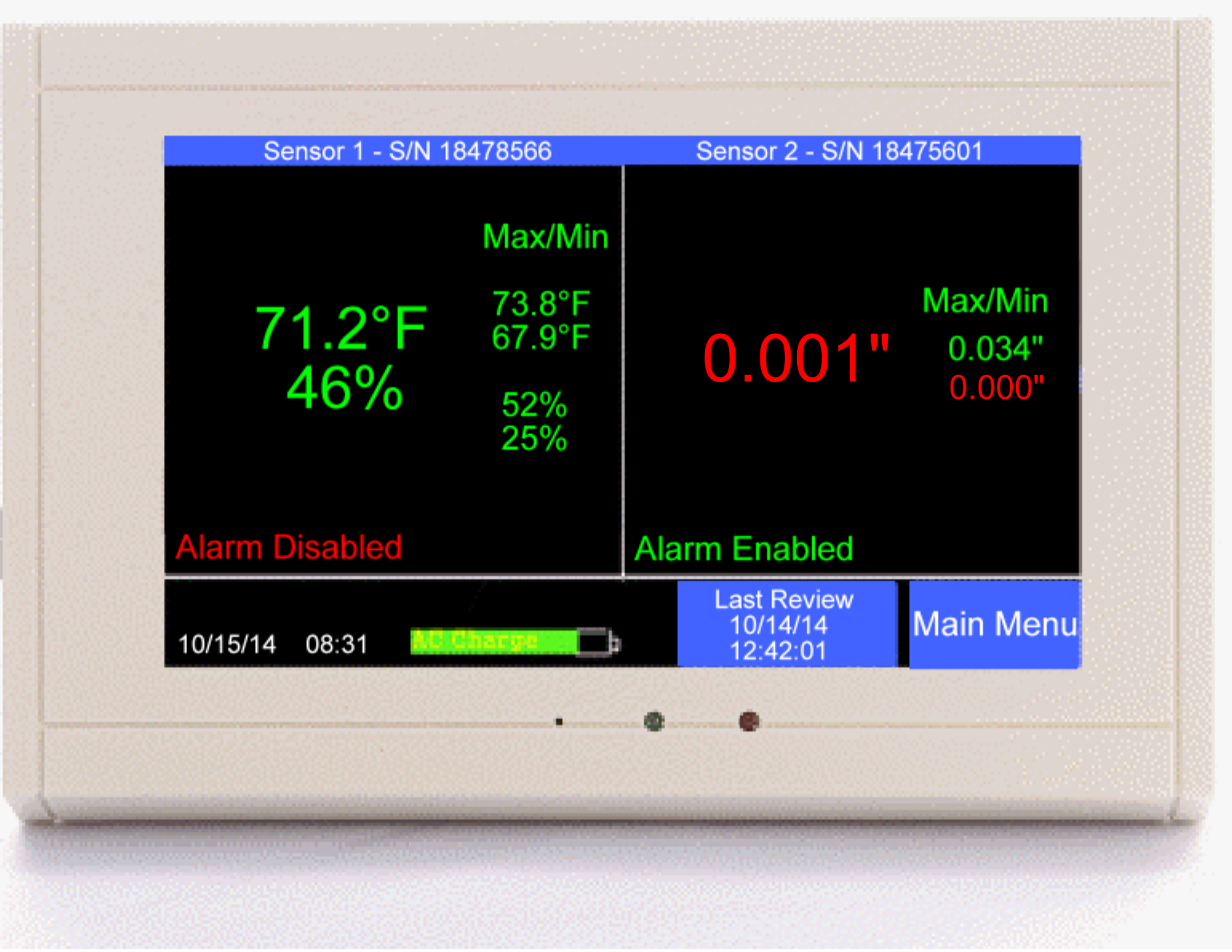
Display
QuickCheck
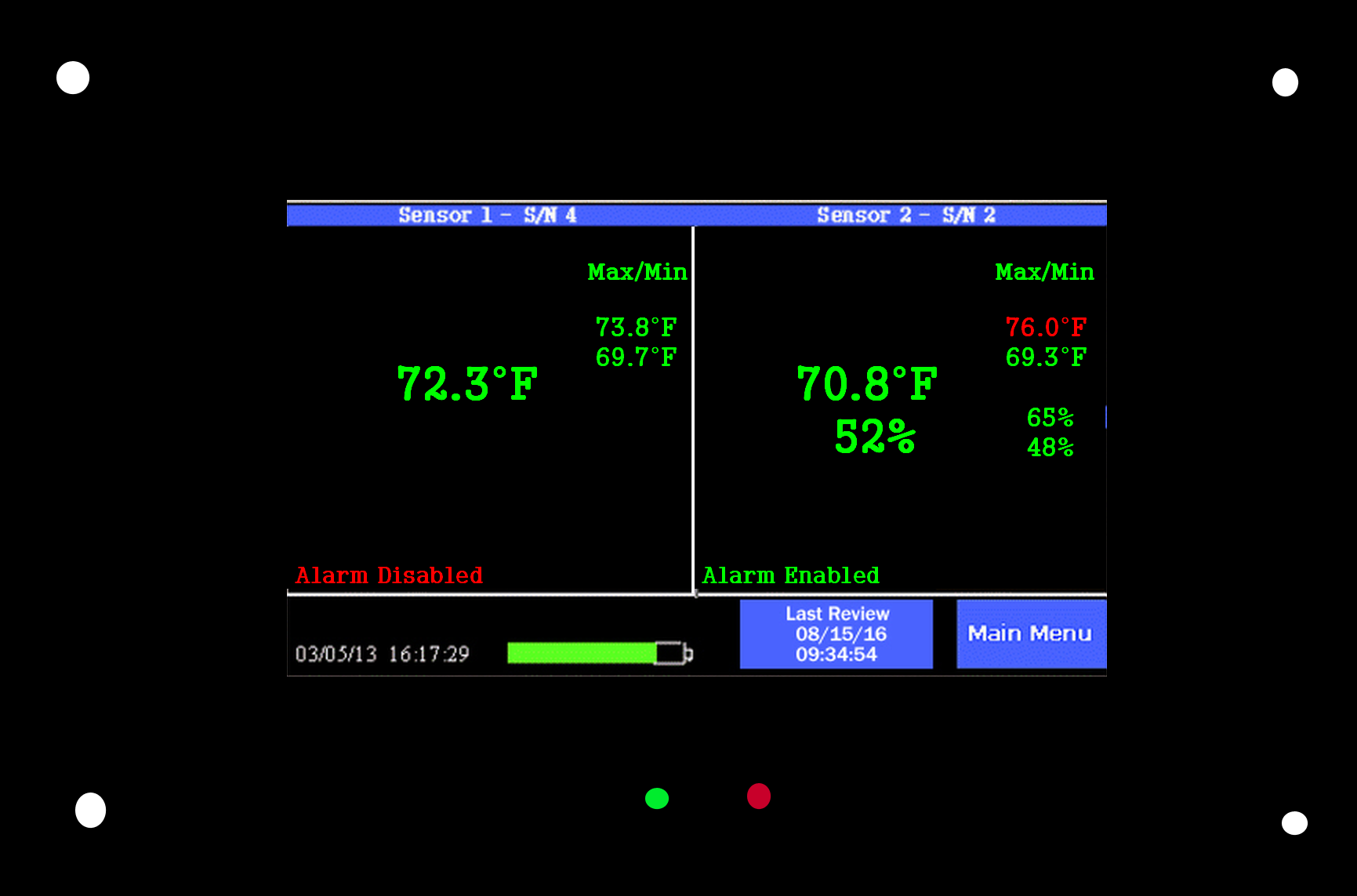
Display - Max/Min for each condition
- Last reviewed date and time button
- Audible and visual alarm
- Paperless chart
- Phone call, email, text message alert
- 72 hour internal backup battery
- No maintenance fees
- Automatic data logging
- Wired Ethernet port
- Made in the USA
- Meets ISO14644 Part 1 requirements
- USP 757 & 800 compliant
-
Request a quote Purchase Online
Who Uses the Cleanroom Monitor?
| Aerospace | Optics |
| Nanotechnoloty | Research Facilities |
| Manufacturing | University Labs |
| Hospitals | Universities |
| Construction | Biological Safety |
Protection & Compliance
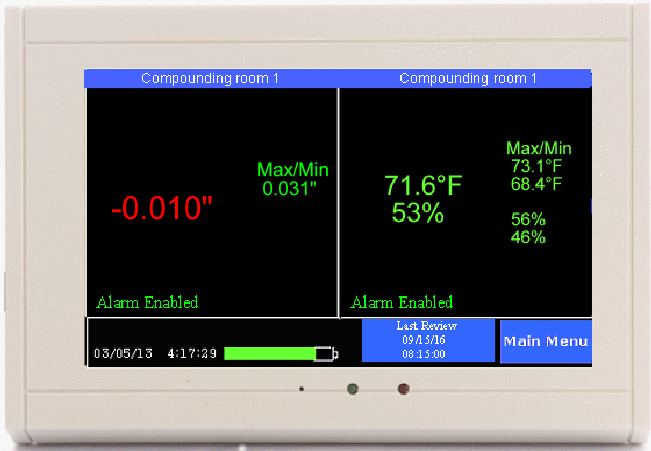
The TV2 cleanroom monitor uses a state-of-the-art differential pressure sensor along with a temperature/humidity sensor to sample the environmental conditions every few seconds. If any environmental condition changes and drifts outside of the specified 'safe zone' the QuickCheck display sounds the alarm and that condition turns red, until the condition clears. The TV2 cleanroom monitor also logs each of the three environmental conditions, differential pressure, temperature and humidity, every few minutes or so, far exceeding the ISO14644 requirement for all cleanrooms.
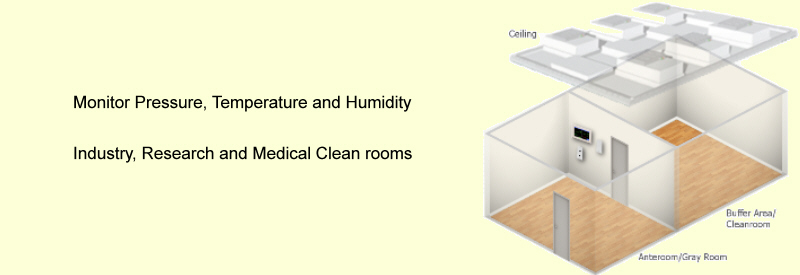
Monitor pressure, temp and RH of any negative or positive pressure room
The TV2 Cleanroom monitor is the most affordable, easy-to-use negative/positive isolation room monitor available anywhere. The TV2 Cleanroom monitor alarms, logs and charts all three critical environmental variables needed to keep your Cleanroom safe and within USP 797 and 800 specs. A glance at the QuickCheck digital display tells you immediately if everything is OK.
As long as all the numbers are green everything is fine. If any condition becomes unsafe the font turns red immediately. If a delay time has been set an alarm sounds once that variable has exceeded its delay time.
Mount it at the cleanroom entrance to provide an instant check to each employee before he enters. The differential pressure sensor is customized for the pressure range of ±1"wc and is accurate to ±0.002"wc.
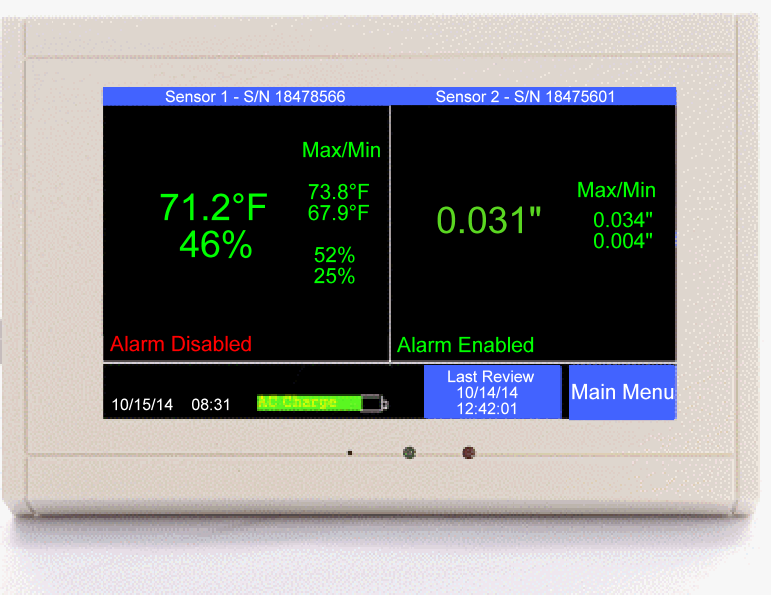
QuickCheck Display
Monitor, Alarm, Log and Chart
 The
TV2 Cleanroom monitor uses very accurate differential pressure 'sensors
and temperature/relative humidity sensors. Pressure and temperature/rh
is not only displayed so you know what the current conditions are but
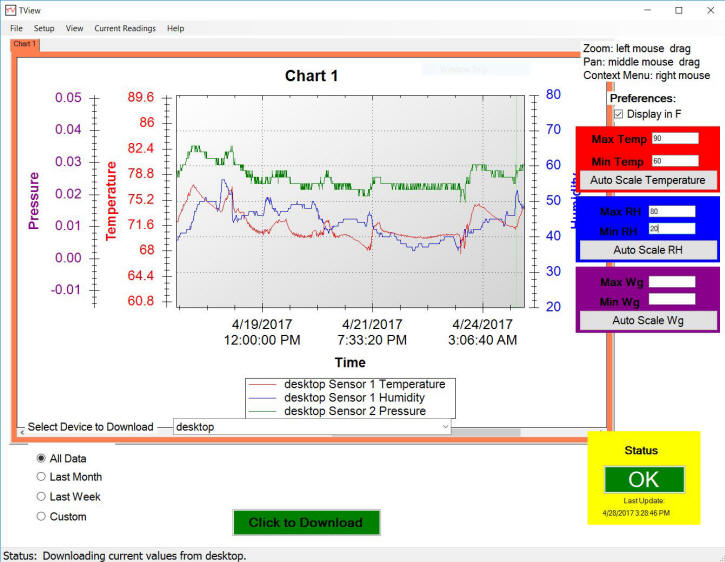
data is logged for each variable. The logged data chart can be
viewed on the screen or downloaded to a PC, printed out as a line chart,
or exported to Excel
The
TV2 Cleanroom monitor uses very accurate differential pressure 'sensors
and temperature/relative humidity sensors. Pressure and temperature/rh
is not only displayed so you know what the current conditions are but
data is logged for each variable. The logged data chart can be
viewed on the screen or downloaded to a PC, printed out as a line chart,
or exported to Excel
The Cleanroom Monitor high/low alarm for each condition triggers an audible and visual indication if any environmental condition become unsafe. In addition, the relay closes to trigger an auto dialer or loud external local-alarm if present.
The secure TView alert software initiates an email or text alert anytime an alarm occurs so the user immediately knows a problem has occured. The TV2 Cleanroom monitor uses your own Local Area Network and its connection to the internet to access an email server and deliver a text or email to multiple persons.
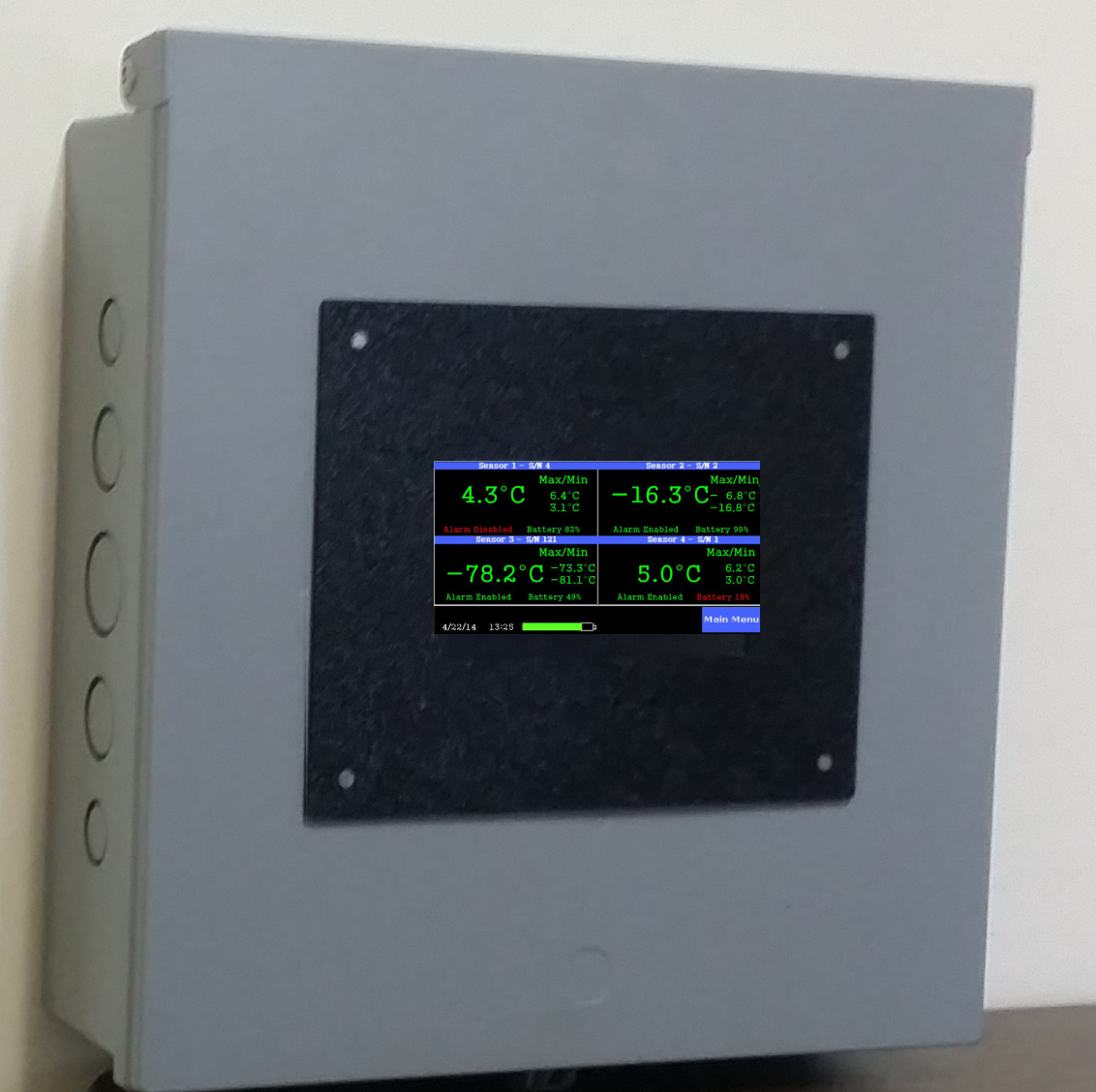
Optional Panel or Case Mount

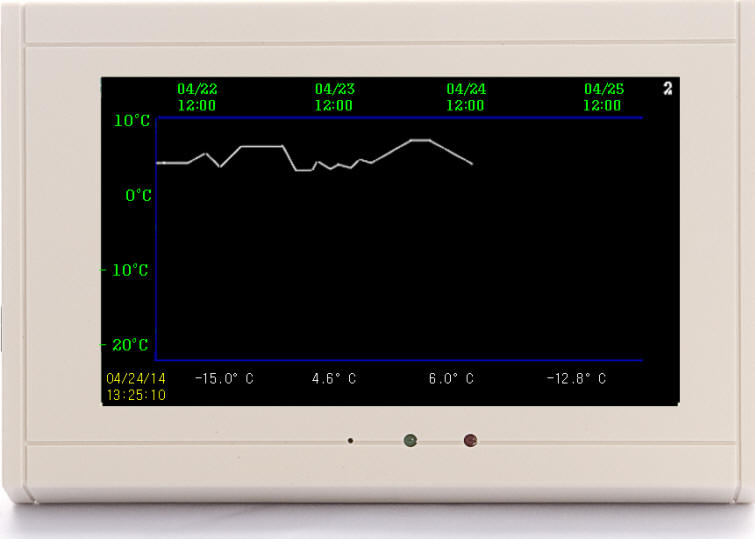
Store and display data history
A continuous chart is always available. It is not necessary
to download your logged data to see a graphic depiction of the condition history.
To see the temperature, humidity or differential pressure history of
the Cleanroom just touch the variable you want to view. A chart
showing the logged data immediately appears. Over 1.5 years of
history is saved and can be scrolled through you if you have set the
logging interval to every ten minutes. You can zoom out or in
to view trends or highlight individual readings.
(specs)
your logged data to see a graphic depiction of the condition history.
To see the temperature, humidity or differential pressure history of
the Cleanroom just touch the variable you want to view. A chart
showing the logged data immediately appears. Over 1.5 years of
history is saved and can be scrolled through you if you have set the
logging interval to every ten minutes. You can zoom out or in
to view trends or highlight individual readings.
(specs)
Sensors
Each sensor used by the Cleanroom monitor has been selected for accuracy and reliability. Each plugs directly into the monitor with a four conductor jack. Although each can be positioned up to 200 feet away from the monitor, it still delivers accurate readings. Each value the sensor reads is converted to a digital signal before being transmitted back to the display to ensure the reading is accurately transmitted for logging and displaying.
- Temperature sensor -20°C to 80°C (±0.3°C)
- Relative Humidity sensor 0% to 100% (±3.0%)
- Differential pressure sensor ±1"wg (±0.002"wg)
No Maintenance Fees or Labor
The TV2 Cleanroom monitor belongs to you and although the logged data can certainly be copied to any computer no matter where it is located you do not pay 'rent' to do so. The data is not automatically sent to the cloud and no third party has to be paid to keep your data safe. Your data is stored safely in the QuickCheck display in non-volatile memory. It can be automatically downloaded to a computer on your own network or server for back up purposes. And the alarms are initiated by the QuickCheck display and not from some cloud computer.
We do offer an annual calibration service guaranteed to keep all of your sensors calibrated with NIST traceability. We also offer a swap out program so that you are never without sensors during the calibration process.
Backing up and printing charts
From a data safety standpoint there is no reason to backup the data. The TV2 data is stored in non-volatile RAM memory. However, if you do want to back the TV2 data to your computer for remote viewing or printing out, it is simple. Use the free TView software to automatically backup your data to a server or to download the logged data at any time. If the automatic download feature is used, a new file will be created each month for all data logged during the month.
The temperature, humidity and differential pressure data can be printed out as a chart or a numeric listing at any time if a paper copy is needed.
Data Sheet/Specifications Validation Documents (IQ/OQ) Installation Video
Call: (877) 241-0042 or (502) 243-0042
©2008 Two Dimensional Instruments, LLC
(modified:
July 14, 2020 05:07 PM)