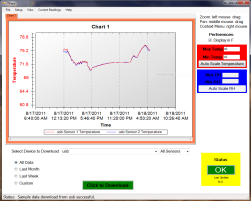
Temperature Chart for Refrigerators and Freezers
- Audio and Visual high-low temperature alarm
- Displays a complete temperature log
- 40 hour battery backup for power failures
- Digital temperature log
- No paper or pens to replace
- Auto Dialer for phone call alert option
- Logs both a fridge and a freezer
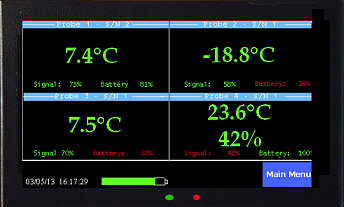
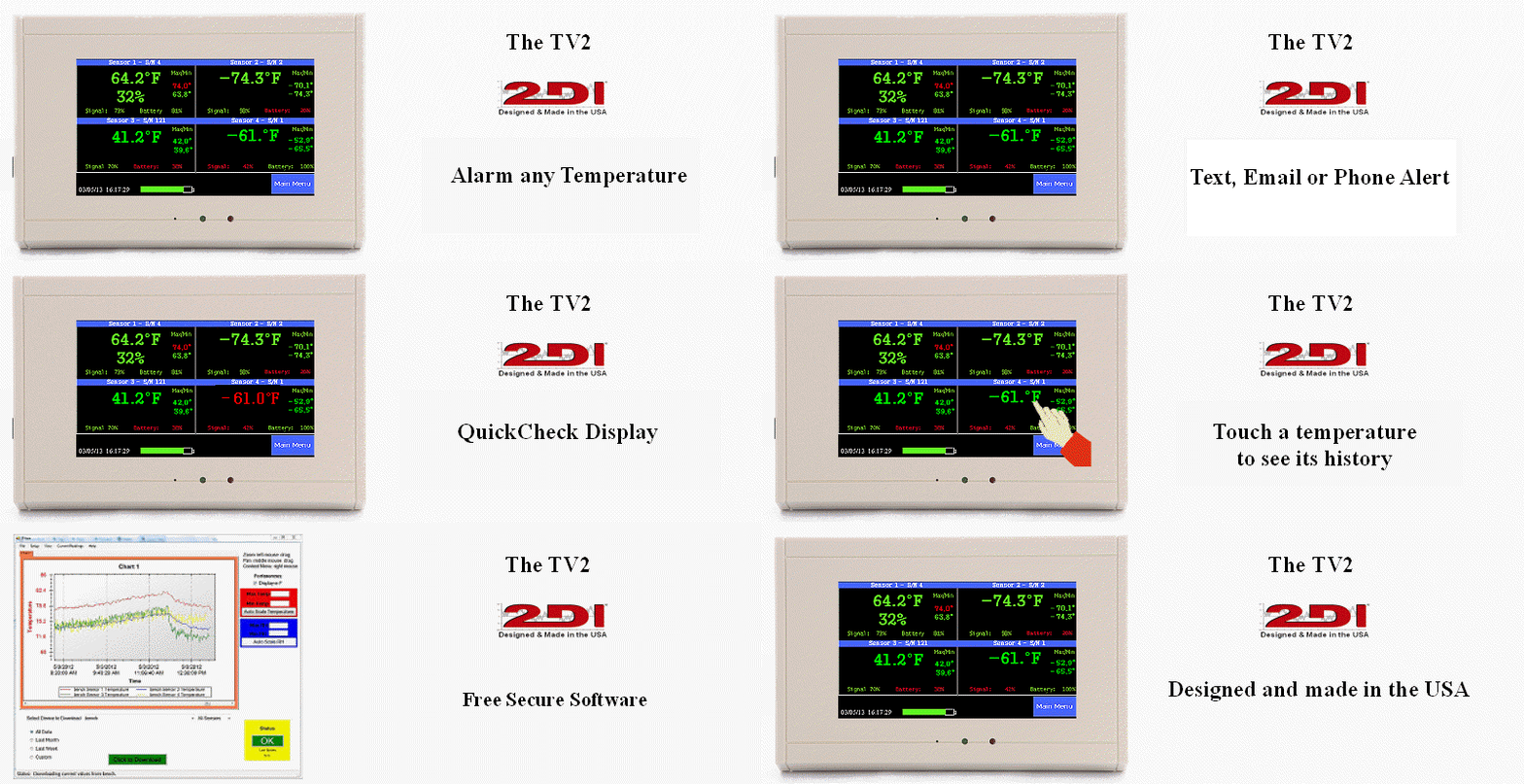
Logs and Alarms Refrigerators and Freezers
Replace your once-a-day temperature check of refrigerator and freezer temperatures with the continuous temperature log. Your current hand-written paper record hanging on the refrigerator only tells you what the temperature was once a day. It is not good enough. You have no way of knowing if it warmed up and then cooled down while you weren't looking or if the door was left open the entire shift.
Visible Temperature Log
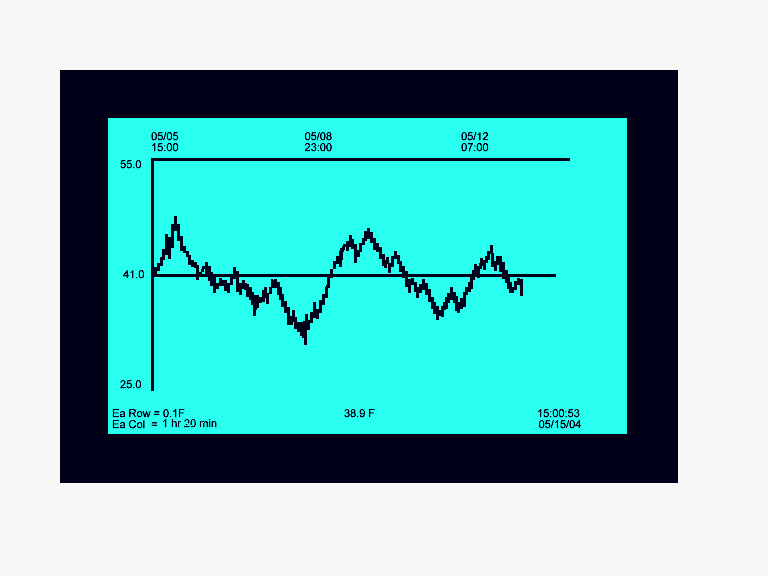
The ThermaViewer clearly shows what happened to your refrigerator and freezer during the day, weekend, week, and month. The digital chart display is right where every employee can see it. Each of your employees becomes part of the QA program. Unusual events are clearly visible on the temperature log which is always on the LCD display. You will always see, if for example, the defrost cycle got stuck and the temperature rose to 55© for eight hours and only moved back into the safe range when the next defrost cycle kicked starated.
Optional Auto Dialer or Local Alarm.
The ThermaViewer has a dry contact relay so that it can trigger the optional auto dialer any time the temperature gets too warm or too cold. The high and low alarms can be set with a delay to avoid false alarms due to defrost cycles or door openings.
Logs months of temperature history
The easy-to-use menu system, allows you to set the display and collection parameters; even changing them while you are still collecting data. The trace mode is used to highlight temperatures. If you see a large temperature spike you can highlight it - to see the time it occurred and duration.
Battery Backup
There are two different battery backups, to protect your data. A nine volt battery continues to operates the ThermaViewer during power failures for over forty-hours. And if the power is still out after 40 hours an internal battery takes over to prevent data loss.
PC interface downloads data.
To archive or print out your temperature chart, the TView program copies the data onto your computer. We recommend that you copy the ThermaViewer data to your PC every six months or so. The TView) program can also automatically download on a regular basis.
No matter how you download the data the TView) program draws a chart on your computer screen and saves an encrypted copy and an excel file, so it's easy to view, print out or import into other programs.