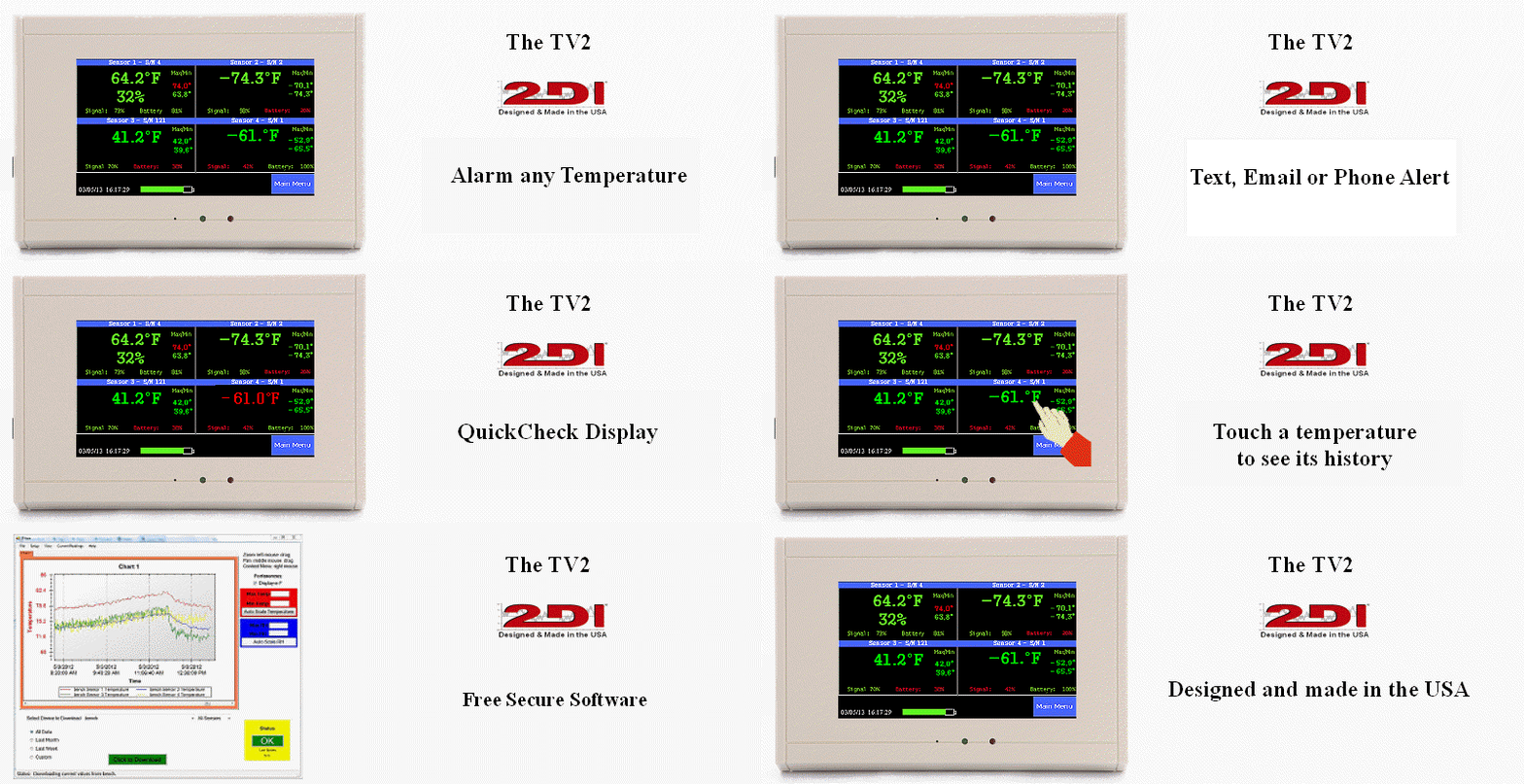
The TV2 is fully 21CFR11 compliant. Each temperature sample is logged in FRAM. This is a type of memory that will never lose its value even if power is removed. Also logged data can not be altered in any way by the user. It can be erased but not changed.
The time and temperature display parameters can be changed if the user has the proper password, but the underlying data can not be altered. It is stored in FRAM so even if power is lost the data is protected. You can literally turn the TV2 off, run the battery all the way down, walk away and come back 2 years later and your data will still be there.
When the collected data is downloaded to a computer the TView program displays it as a chart. Charts from multiple TV2s can be combined. Data from one sensor can be moved to the chart of another sensor or deleted from a chart or data from all sensors from one or more TV2 monitors can be seen on one chart. Charts can also be printed out.
The key point is that the data can only be seen and moved around. It can not be edited in any way. Even when the data is saved on the local computer it can not be edited. The file could be opened but it will appear as nonsence data. The data is encrypted when it is stored. This ensures that the data is unaltered from the moment it is logged, thus compling with 21CFR11 standards.
There is a way to edit the data but this violates the 21CFR11 rules. The charts can be exported to an XLS file which can be viewed with Excel. So if you do not care to maintain secure datayou can load a previously saved 'txv' file onto your computer and export it. Any time a file with a TXV suffix is loaded into the TView program a small icon appears on the screen indicating that you are viewing encrypted data.
If exported data is loaded into Excel, Word, Notepad or some other text editor type program it can be manipulated and re-saved but can not be loaded back into the TView program. In other words it can be changed. Once this happens it no longer meets the requirements of US regulation 21 CFR part 11. As long is the data is in an TXV file it is encryped and complys with the 21 CFR 11 requirements.
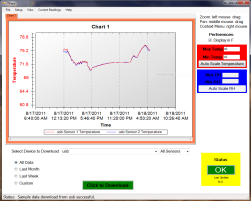
Temperature history chart downloaded to a computer.